Think about how many passwords you use. Your email, your Facebook, your bank app, your Google account, maybe ten or twenty more. Now be honest: do you use the same simple password for all of them, something like your name plus 123? If yes, you are not alone, but you are also not safe. Weak passwords are the number one reason accounts get hacked. Hackers use computer programs that can try millions of password guesses per second. A short, simple password can be cracked in less than a minute.
But here is the good news: you do not need a superhuman memory to stay safe. There is a simple method to create passwords that are both very strong and surprisingly easy to remember. In this guide, I will teach you that method, step by step.
What makes a password strong
A strong password has two qualities: length and unpredictability. Length matters more than most people think. A password with 16 characters is enormously harder to crack than one with 8 characters, even if the longer one looks simpler. Unpredictability means the password should not contain anything guessable about you: your name, your birthday, your pet’s name, or the word “password.”
A weak password looks like this: ahmed123, pakistan2020, qwerty. A strong password looks random to everyone except you. The trick is to build something that looks random to a hacker but makes perfect sense to you. That is exactly what the passphrase method does.
The passphrase method: your new superpower
A passphrase is simply a short sentence or a group of random words used as a password. Because it is long, it is strong. Because it means something to you, it is memorable. Security experts around the world recommend this method for everyday people, and once you try it, you will wonder why nobody taught you earlier. Here is how it works, in five simple steps.
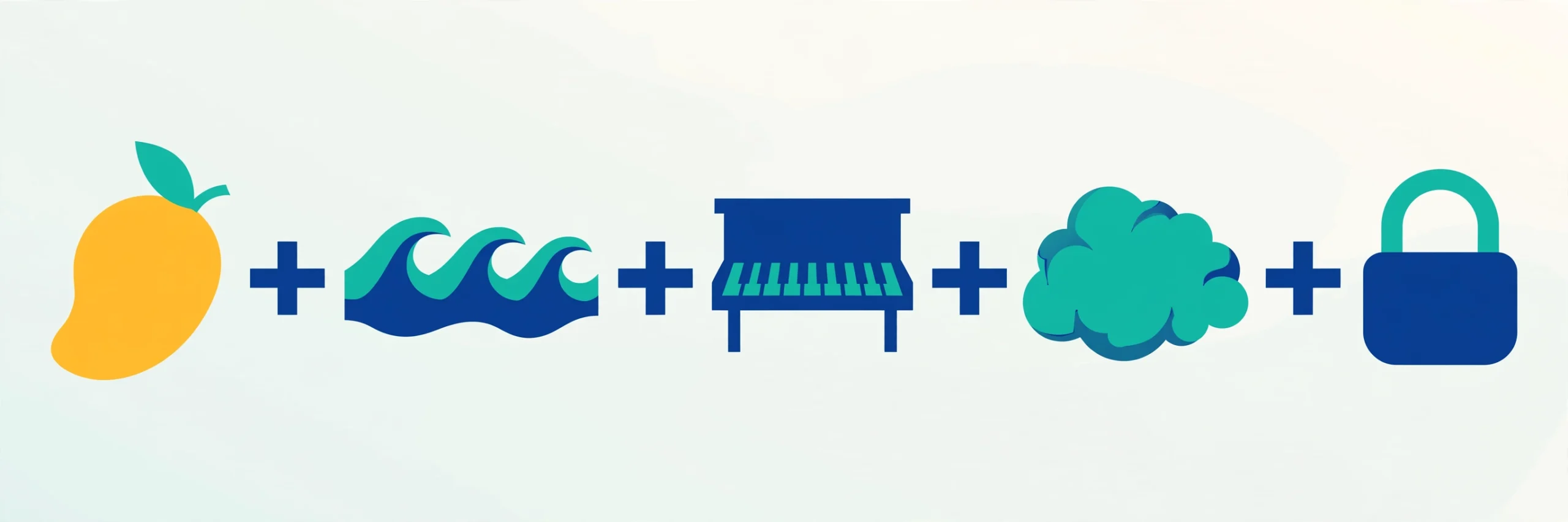
Step 1: Pick four random words. Think of four ordinary, unrelated words: objects, animals, foods, places. For example: mango, river, piano, cloud. The more unrelated they are, the better. Do not pick four words that form a normal sentence, because that is easier to guess. Write them down on paper just for now; you will memorize the final result soon.
Step 2: Capitalize the first letter of each word. This small change makes your password much stronger. Our example becomes: Mango River Piano Cloud. Remove the spaces and you get MangoRiverPianoCloud, which is already 18 characters long. A hacker program would need an extremely long time to crack that.
Step 3: Add a number that means something to you. Pick a number you will never forget but others cannot guess. Not your birth year; something more personal, like the number of your childhood house, or your lucky number doubled. Let us say 42. Now you have MangoRiverPianoCloud42.
Step 4: Add one symbol. Put a symbol like !, @, #, or $ somewhere you will remember, for example at the very end. Now you have MangoRiverPianoCloud42! This password is 21 characters long, mixes capital letters, small letters, numbers, and a symbol, and yet you can remember it because it started as four simple words.
Step 5: Make every account unique with a site hint. Never use the exact same password on two websites, because if one site is hacked, all your accounts fall like dominoes. Instead, add a tiny hint of the website name into your passphrase. For Facebook, add Fb at the start: FbMangoRiverPianoCloud42! For Gmail, add Gm: GmMangoRiverPianoCloud42! Same memorable core, unique password everywhere. If one site leaks, your other accounts stay safe.
Practice typing your new passphrase a few times today, and by tomorrow your fingers will remember it automatically.
Five password mistakes to stop making today
Mistake 1: Using personal information. Your name, birthday, phone number, or city are the first things a hacker tries. If it is on your Facebook profile, it does not belong in your password.
Mistake 2: Using the same password everywhere. This is the most dangerous habit of all. Data leaks happen constantly, and criminals specifically test stolen passwords on banking and email sites. One unique password per important account is non-negotiable.
Mistake 3: Short passwords. Anything under 12 characters is weak by modern standards. Aim for 16 or more. With the passphrase method, this happens naturally.
Mistake 4: Never changing a leaked password. If you get an email or notification saying your data was part of a leak, change that password immediately, and change it everywhere you reused it.
Mistake 5: Sharing passwords over chat. Never send a password through WhatsApp, SMS, or email. If someone truly needs access, share it in person or through a proper password sharing feature. Weak passwords are the bait in many of the tricks described in our guide to spotting and avoiding common online scams, so fixing them removes a whole category of danger.
How long would your password take to crack?
Numbers make this real. A password of 8 simple characters can be guessed by a fast computer in minutes or even seconds. Stretch it to 12 mixed characters and the guessing time jumps to thousands of years. A passphrase of 20 or more characters, like the one you built above, pushes the time beyond any realistic attack, because every extra character multiplies the number of guesses needed. This is why length beats complexity: a long password you remember is far safer than a short, complicated one you are forced to write on a sticky note. If a website ever tells you your password is “too long” or refuses symbols, that site has weak security, so never reuse your main passphrase there.
Let a password manager do the heavy lifting
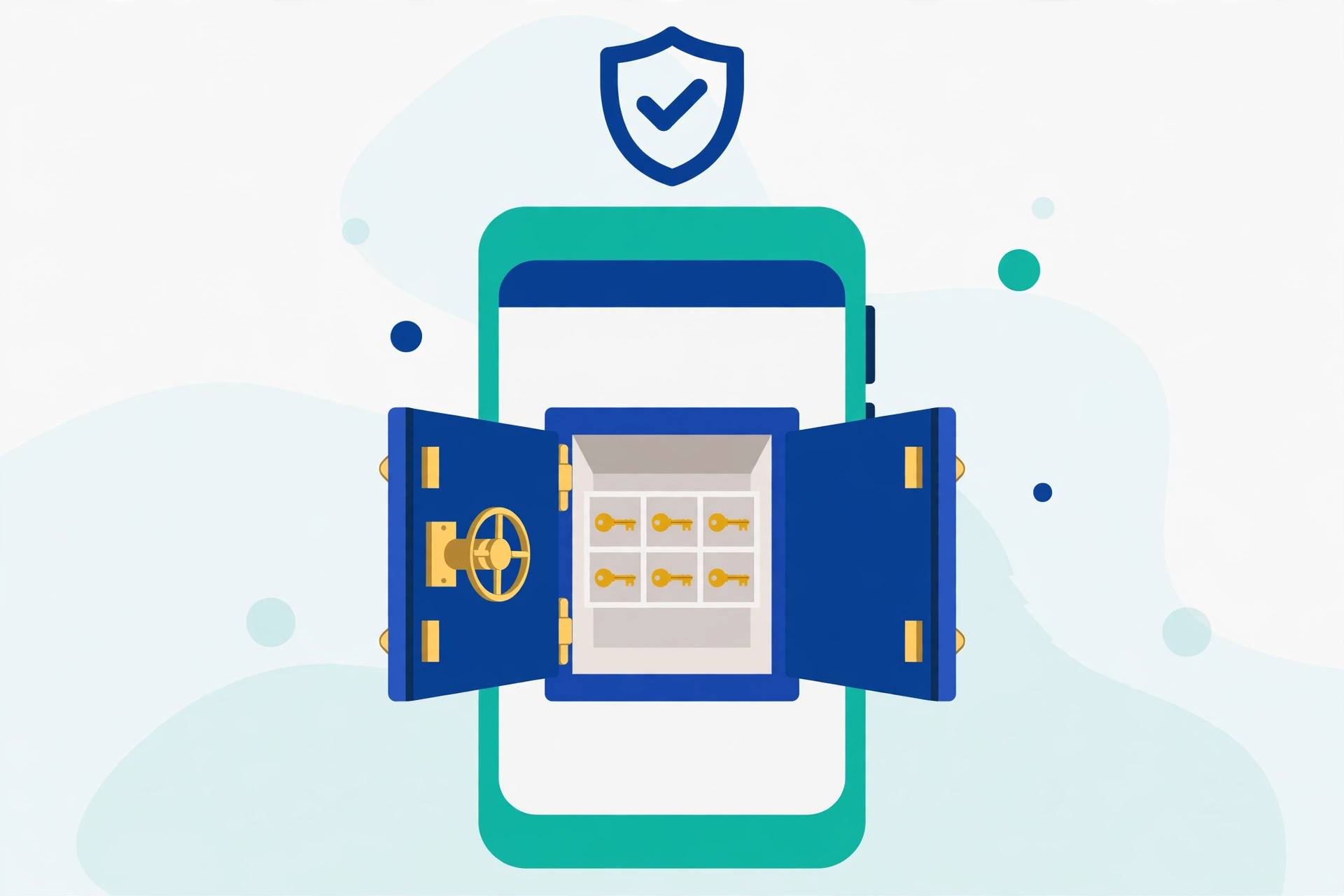
If remembering even a few passphrases sounds like work, there is an even easier option: a password manager. This is an app that remembers all your passwords for you, locked behind one single master password. You only memorize one strong passphrase, and the manager handles the rest, even filling passwords in automatically.
Two good free options for beginners: Google Password Manager, already built into Chrome and Android phones, which asks if you want to save each new password; and Bitwarden, a free app that works on phones and computers. Start with Google Password Manager if you use Chrome or Android, because there is nothing new to install. Just make sure your Google account itself has a very strong passphrase and two-step verification turned on, since it guards all the others. Password managers are one of the highest-value habits in our basic online safety tips everyone should know.
Turn on two-step verification for your most important accounts
A strong password is your lock, and two-step verification is the security guard standing next to it. When it is on, logging in needs your password plus a code sent to your phone. So even if a hacker somehow learns your password, they still cannot get in without your phone.
Turn this on at least for your email, your bank, and your Facebook or Google account. It takes two minutes per account and blocks the vast majority of hacking attempts. The US Cybersecurity and Infrastructure Security Agency recommends exactly this combination, a long unique password plus multi-factor authentication, in its public guidance at cisa.gov/secure-our-world. And when you are creating accounts on new sites, pair this guide with our checklist on how to tell if a website is safe before typing your details anywhere.
Your action plan for today
You do not need to fix everything in one day. Start with your email account, because your email can reset almost all your other passwords, which makes it the most valuable target. Create a strong passphrase for it using the five steps above, turn on two-step verification, and save it in your password manager. Tomorrow, do your bank, then your social media, one per day. Within two weeks, your entire digital life will be dramatically safer, and you did it with a method you can actually remember.
Frequently Asked Questions
Is a passphrase really safer than a short password full of symbols?
Yes. Length is the strongest defence because every extra character multiplies the guesses an attacker must try. A 21-character passphrase of ordinary words is far harder to crack than an 8-character jumble of symbols, and it is much easier for you to remember correctly.
Should I change all my passwords regularly, even if nothing happened?
Security experts no longer recommend changing strong passwords on a fixed schedule, because it pushes people toward weaker, predictable patterns. Change a password immediately if it was leaked, shared, or reused somewhere risky. Otherwise, a unique passphrase plus two-step verification is enough.
What if I forget my master password for my password manager?
Most password managers cannot recover a forgotten master password, because that is what keeps your vault safe from everyone else too. When you set one up, write your master passphrase on paper and store that paper somewhere safe at home, like a locked drawer, as your emergency backup.
Is it safe to let Chrome or my phone save my passwords?
Yes, for most people it is much safer than reusing weak passwords or keeping them in a notebook app. Built-in managers encrypt your passwords and protect them with your device lock. Just keep your phone’s screen lock strong and your Google or Apple account protected with two-step verification.
Pingback: Basic Online Safety Tips Everyone Should Know - TechTips by Hanzla
Pingback: How to Tell If a Website Is Safe Before Entering Your Details - TechTips by Hanzla
Pingback: What Is Two-Factor Authentication (2FA) and How to Turn It On - TechTips by Hanzla