We do almost everything online now: banking, shopping, chatting with family, and working. But the internet also has risks. Hackers, scammers, and viruses are always looking for easy targets, and they usually succeed not with clever technology but with simple tricks. The good news is that staying safe online does not require technical skills. A few basic online safety tips that everyone should know can protect you from most common threats. This guide explains them in plain language, shows you what scam messages actually look like, and tells you exactly what to do if you have already fallen for one.

1. Use Strong, Unique Passwords
Your password is the lock on your digital door, and many people still use weak ones like “password123” or their birthday. A strong password is long, at least 12 characters, and mixes upper and lower case letters, numbers, and symbols. Even more important, use a different password for every important account. If one website gets hacked and your password leaks, thieves will try that same password on your email and bank accounts. A unique password for each account stops that chain reaction. If remembering many passwords feels impossible, consider a password manager: it stores them all securely, and you only need to remember one master password. Our dedicated guide explains how to create a strong password you can actually remember, with simple tricks that make long passwords easy.
2. Turn On Two-Factor Authentication
Two-factor authentication adds a second step when you log in, usually a code sent to your phone or shown in an app. Even if someone steals your password, they cannot get into your account without that code. Turn it on for your email, bank, and social media accounts; you will find it under Security in the settings. It takes about two minutes per account and makes you dramatically harder to hack. This single step stops the vast majority of account takeover attempts, because a stolen password on its own becomes almost useless. Wherever an app offers an authenticator app instead of text messages, choose the app, since text codes can occasionally be intercepted.
3. Learn to Spot Fake Messages
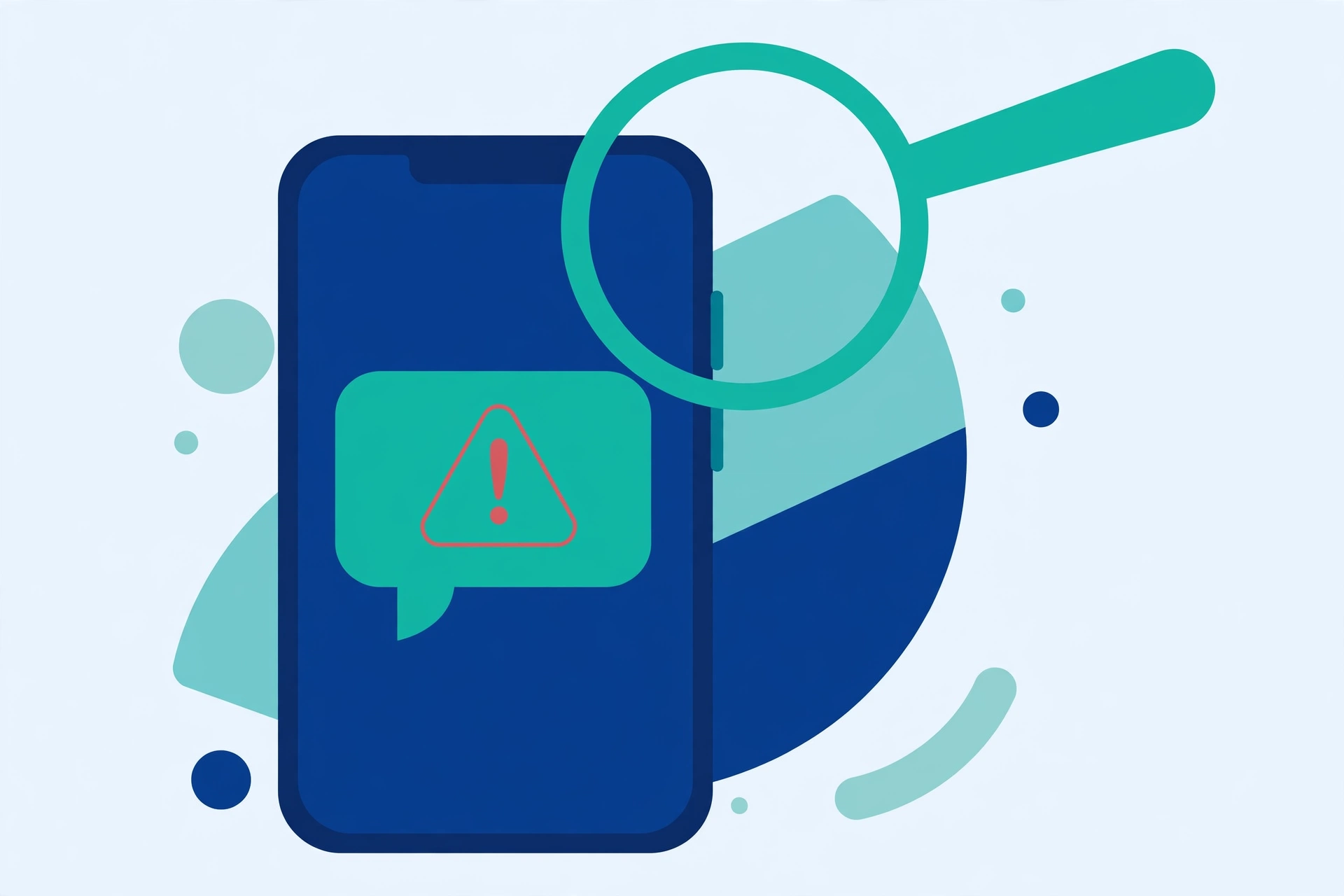
Most online attacks begin with a fake message. It might arrive as an email, a text message, or a WhatsApp forward, and it almost always does two things: it pretends to be from a company you trust, and it rushes you. Below are three invented examples, written for this guide only. They are fake, but real scams look very much like them.
Example 1 (fake bank text message): “URGENT: Your bank account has been blocked due to unusual activity. Verify your details within 2 hours or your account will be closed: [suspicious link]”
Real banks do not close accounts by text message with a two-hour deadline. The pressure and the link are the scam.
Example 2 (fake delivery email): “Your parcel could not be delivered. Pay a redelivery fee of 99 to receive it. Enter your card details here: [suspicious link]”
A tiny fee sounds harmless, but the real goal is your card number, which the criminals then use for much larger purchases.
Example 3 (fake prize message): “CONGRATULATIONS! You have won a brand new smartphone in our lucky draw. To claim your prize, pay only the shipping charges and confirm your address: [suspicious link]”
You cannot win a draw you never entered. Genuine prizes do not ask you to pay first.
The warning signs repeat in almost every scam: urgency, a link you did not expect, a request for card details or codes, and an offer that sounds too good to be true. Our guide on how to spot and avoid common online scams goes deeper into these tricks, and the US Federal Trade Commission’s consumer advice site publishes regular alerts about the newest ones.
4. Think Before You Click
Before clicking any link or opening any attachment, pause for five seconds and ask two questions: was I expecting this, and does the sender’s address look exactly right? On a computer, hover your mouse over a link to see where it really leads. On a phone, press and hold the link to preview it. Scammers often copy a real company’s name with one letter changed. If a message demands instant action, treat that as a red flag by itself, because honest companies rarely rush you. When in doubt, do not use the link in the message at all. Open your browser and type the official website address yourself, or use the company’s official app.
5. Keep Your Devices Updated
Those update notifications are not just annoying pop-ups. They often contain security fixes that close holes hackers use to break in, and criminals actively target people running old software because the weaknesses are well known. Turn on automatic updates for your phone, computer, apps, and web browser. An outdated device is like a house with a broken lock: it invites trouble. Updates take a few minutes and usually install overnight if you allow them. If you use antivirus software, keep that updated too, since it can only recognize new threats it has been told about.
6. Be Careful on Public Wi-Fi
Free Wi-Fi at cafes, airports, and hotels is convenient but risky. On a public network, other people may be able to watch some of what you do online, and criminals sometimes create fake hotspots with names like “Free Airport Wi-Fi” to collect what people type. Avoid logging into your bank or entering passwords on public Wi-Fi. If you must use it, stick to websites that start with https, and consider a VPN, which encrypts your connection. Better yet, use your phone’s mobile data for anything sensitive; it is much safer. And whatever network you are on, our guide on how to tell if a website is safe shows you the checks to run before typing in any details.
7. Check Your Privacy Settings and Back Up Your Data
Social media sites and apps collect a lot of information about you, and their default settings often share more than you would like. Take ten minutes to review the privacy settings on your main accounts: limit who can see your posts, turn off location sharing for apps that do not need it, and remove old apps you no longer use. Think twice before posting your full birthday, address, or travel plans publicly, because scammers use exactly these details to target you or to guess security answers. Finally, back up important data. Backups protect you from device theft, hardware failure, and ransomware that locks your files. Set up automatic backups to a cloud service, and test them occasionally, because a backup you cannot restore is no backup at all.
What to Do If You Already Clicked
Do not panic, and do not feel ashamed. Scams are designed by professionals, and quick action can limit the damage a lot.
- Stop. Do not click anything else, do not reply, and do not follow any further instructions in the message.
- Disconnect if you downloaded something. If you installed an app or file from the message, turn on airplane mode and uninstall it.
- Change your password from a clean device. If you typed a password into a fake page, change that password immediately using another phone or computer you trust, and turn on two-factor authentication.
- Call your bank if you shared card or banking details. Use the number on the back of your card, not any number in the message. Ask them to block the card and watch for charges.
- Run a security scan with your phone’s built-in scanner or a trusted antivirus app.
- Warn your contacts. If your account sent messages to others, tell them not to open them.
- Save the evidence. Screenshot the message before deleting it, in case you need to report it to your bank or the police.
Frequently Asked Questions
How can I tell if a message is really from my bank?
Check the sender’s address or number very carefully, and remember that banks never ask for passwords, PINs, or full card numbers by message. If anything feels urgent or unusual, ignore the message’s links and call the bank using the number printed on your card.
Is two-factor authentication really worth the extra step?
Yes. It takes a few seconds when you log in, but it blocks most account break-ins, because a thief needs both your password and your phone. It is one of the highest-value safety habits on this page.
I clicked a scam link but did not type anything. Am I safe?
Probably, especially if you closed the page quickly and downloaded nothing. To be careful, run a security scan, watch your accounts for unusual activity over the next few days, and change the password of any account you were logged into at the time.
What is the single most important habit on this list?
Pausing before you click. Almost every scam needs you to act fast and without thinking. A five-second pause to check the sender and the link stops most attacks before they begin.
Pingback: How to Spot and Avoid Common Online Scams - TechTips by Hanzla
Pingback: How to Create a Strong Password You Can Actually Remember - TechTips by Hanzla
Pingback: What Is an App Update and Why Should You Install It? - TechTips by Hanzla
Pingback: How to Download Files Safely Without Getting a Virus - TechTips by Hanzla
Pingback: What Is a QR Code and How Do You Scan One? - TechTips by Hanzla