Online scams are everywhere, and they are getting smarter. Every year, millions of people lose money to fraudsters who use fake emails, websites, and messages to steal personal information and cash. But here is the encouraging truth: most online scams follow the same few patterns. Once you learn to recognize those patterns, you can protect yourself and your family. This guide will teach you how to spot and avoid the most common online scams, with real examples of what scam messages actually look like.
Why scams work
Scammers do not succeed because their victims are foolish. They succeed because they understand human psychology. They create urgency (“act now or lose your account!”), appeal to greed (“you have won a prize!”), or use kindness and fear against you. They also do their homework, using personal details from social media to sound convincing.
Understanding this is empowering: online scams work by rushing you. If you slow down and think, most scams fall apart. Remember this golden rule: whenever someone pressures you to act immediately with money or personal information, stop and verify first. For a wider foundation, read our basic online safety tips everyone should know after this guide.
1. Phishing emails and messages
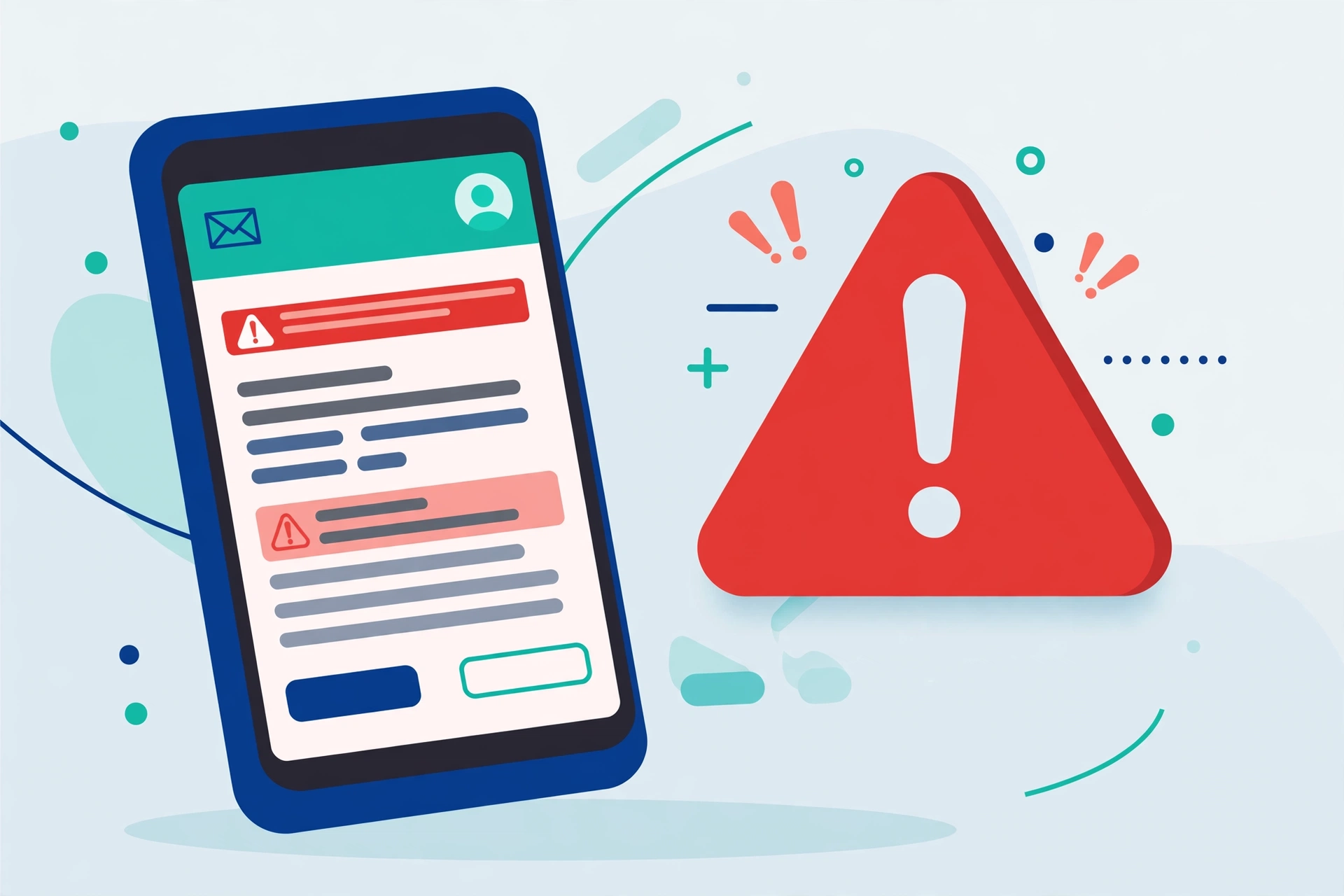
Phishing is the most common type of online scam. You receive an email or text that looks like it is from your bank, a delivery company, or a popular service, warning of a problem and asking you to click a link and log in. The link leads to a fake website that steals your username and password.
Here is what a typical phishing message looks like: “Dear Customer, we detected unusual activity on your account. Your account will be closed within 24 hours. Click here to verify your identity now.” Notice the vague greeting, the threat, and the deadline. A real bank message does not talk like this.
Spot phishing by checking the sender’s actual email address, not just the display name. On a computer, hover your mouse over links to see the real web address before clicking. Look for generic greetings like “Dear Customer.” Real companies rarely ask you to log in through email links. When in doubt, close the message, open your browser, and go to the official website yourself.
2. Fake shopping websites
These are websites offering unbelievable deals: designer goods at 90 percent off, or the latest phone for half price. You pay, and either nothing arrives or you receive a cheap copy of what you ordered.
Warning signs include prices that seem too good to be true, no contact information or physical address, a website that was created very recently, and payment options with no buyer protection, such as wire transfers or gift cards. Before buying from an unfamiliar store, search for reviews, check how long the site has existed, and prefer paying by credit card, which offers fraud protection. Our guide on how to tell if a website is safe gives you a step-by-step checklist for exactly this situation.
3. Prize and lottery scams
“Congratulations! You have won a $5,000 prize!” The catch: you never entered any contest. These scams tell you that you have won money, a phone, or a car, then ask you to pay a processing fee or tax to claim it, or to share your bank details.
Real lotteries and contests never ask winners to pay upfront fees, and you cannot win a contest you did not enter. The moment someone asks you to pay to receive a prize, it is a scam. Delete the message and move on.
4. Tech support scams
In this scam, you get a frightening pop-up warning that your computer has a virus, with a phone number to call for support. Or someone calls you, claiming to be from a famous tech company. The fake technician asks for remote access to your computer or payment for repairs you do not need.
Here is what you need to know: real tech companies never call you out of the blue, and real virus warnings never include a phone number to call. If you see such a pop-up, close your browser tab. If someone calls, hang up.
5. Romance and friendship scams
A scammer creates a fake profile on social media or a dating site, builds an emotional relationship over weeks or months, then asks for money: for a medical emergency, a plane ticket to visit you, or a sudden business crisis. These scams are cruel because they exploit genuine feelings.
Warning signs include someone who falls in love very quickly, always has excuses not to video chat, and eventually asks for money or gift cards. Never send money to someone you have never met in person, no matter how convincing the story sounds.
6. Job offer scams
Fake job offers promise easy money for simple work, like reshipping packages or processing payments. The “employer” might send you a fake cheque and ask you to forward part of the money, or ask for your bank details and ID documents upfront.
Real employers never ask you to pay for equipment before starting, never send cheques before you have done work, and interview you properly first. Research any company that contacts you, and be suspicious of offers that arrive out of nowhere with unusually high pay for easy tasks.
Red flags to watch for
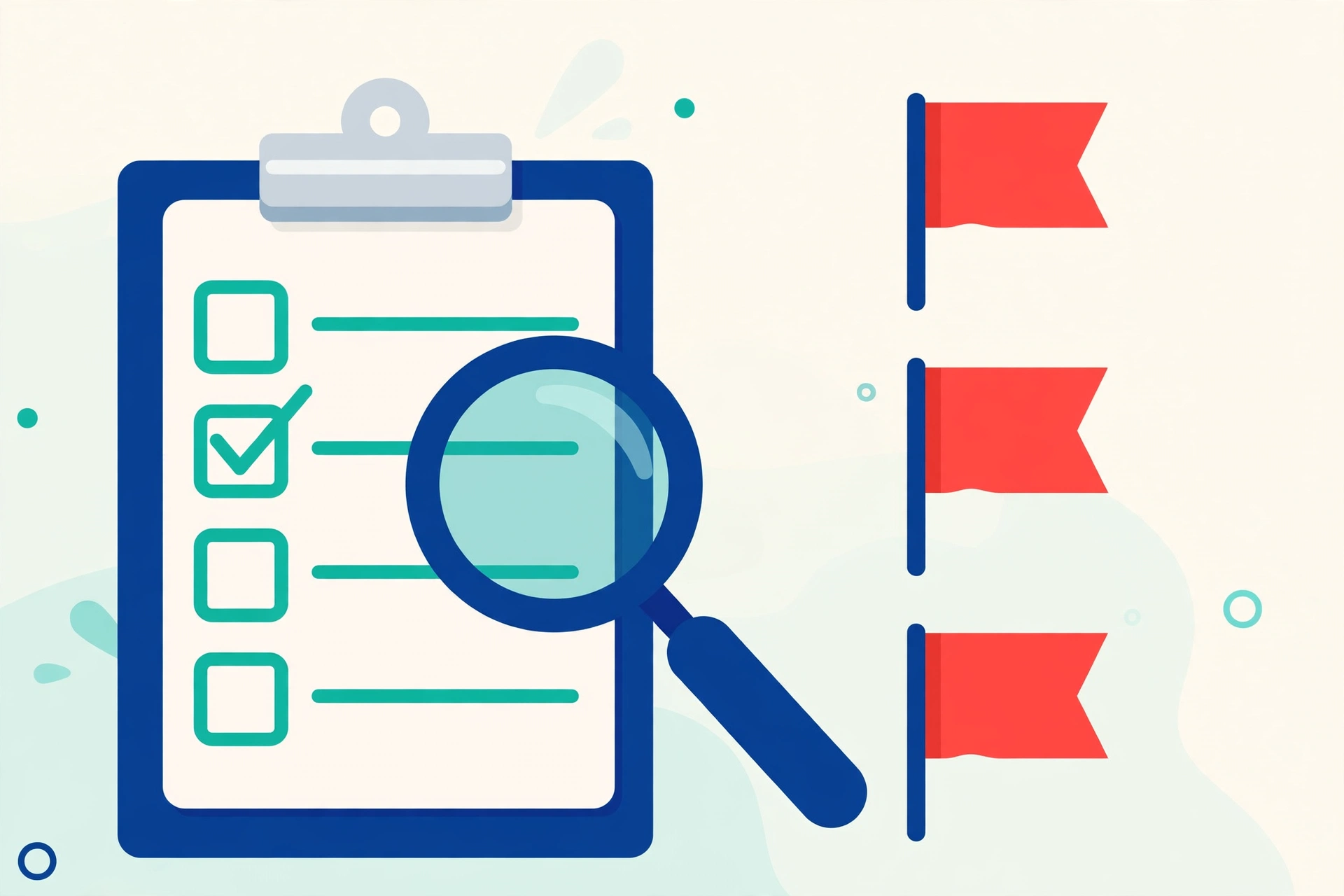
Across all online scams, watch for these universal red flags:
- Urgent pressure to act immediately
- Requests for payment by gift cards, wire transfer, or cryptocurrency
- Poor spelling and grammar in “official” messages
- Sender addresses that do not match the company name
- Offers that seem too good to be true
- Anyone asking for passwords, one-time codes, or remote access to your device
If you spot even one of these, treat the message as guilty until proven innocent. One reason these scams are so damaging is that stolen passwords get reused everywhere, which is why creating a strong password you can actually remember, and using a different one on every site, matters so much.
A worked example: taking apart a scam message
Let us practice on a message many people receive: “Your parcel could not be delivered. Pay the 99 rupee redelivery fee here within 12 hours or your parcel will be returned.” First, the deadline is there to rush you. Second, you probably never get asked for redelivery fees by text message. Third, the link, if you inspect it, leads to a strange address that is not the real courier company. Fourth, the payment page asks for full card details, which a small fee payment never needs. Four red flags in one short message. The safe response is to ignore the link completely and track your parcel on the courier’s official app or website instead.
What to do if you have been scammed
If you think you have fallen for a scam, act quickly. Contact your bank immediately to stop or reverse payments. Change the passwords of any affected accounts and turn on two-factor authentication. Report the scam to your local police and to the platform where it happened. If you shared ID documents, watch your accounts closely for identity theft. The US Federal Trade Commission collects scam reports and publishes practical recovery advice at consumer.ftc.gov, and similar consumer protection agencies exist in most countries.
And please do not be ashamed. Scammers are professionals, and reporting what happened helps protect others. Talking about it also helps your family members avoid the same trap.
Frequently Asked Questions
How can I check if a message is really from my bank?
Do not use any link or phone number inside the message. Instead, open your bank’s official app, or type the bank’s web address into your browser yourself, or call the number printed on the back of your bank card. If the message was real, the same warning will appear in your official account.
Are scams only sent by email?
No. Scammers use text messages, WhatsApp, social media messages, phone calls, and even fake advertisements. The channel does not matter. The red flags, urgency, secrecy, and requests for money or codes, are the same everywhere.
Can a scammer hack me just because I opened a message?
Simply opening a message is usually not enough to hack you. The danger starts when you click a link, download an attachment, install an app they suggest, or share information. That is why stopping before you tap is such an effective defence.
What should I teach my parents or grandparents about scams?
Teach them one simple habit: before paying money or sharing a code with anyone who contacted them first, they should stop and call a family member to talk it through. Scammers hate delays and second opinions, so this single habit defeats most scams.
Pingback: How to Create a Strong Password You Can Actually Remember - TechTips by Hanzla
Pingback: How to Tell If a Website Is Safe Before Entering Your Details - TechTips by Hanzla