You plug in your phone at 20 percent, go to make tea, and come back half an hour later to find it has only reached 31 percent. Slow charging is frustrating, especially when you need to leave the house soon. The good news is that slow charging almost always has a simple cause, and most causes are cheap or free to fix. In this guide, we go through the eight most common reasons your phone charges slowly, how to check your charging speed, and how to know whether you need a new cable, a new charger, or a new battery.
Before you spend any money, work through the list below in order. Very often, the fix is something small, like cleaning out the charging port or swapping a tired old cable.
First, check how fast your phone is actually charging
It helps to know your starting point. Plug your phone in as you normally do, wait two minutes, and look at the lock screen. Many phones show a message like “Charging rapidly”, “Charging”, or “Charging slowly”, along with an estimate such as “1 hour 20 minutes until full”. You can also check the battery page in Settings, where some phones show the charging state while the cable is connected. Google’s own Android help pages explain where to find battery information on most Android phones. Note down the estimate your phone gives you. After each fix below, plug in again and compare. If the time drops a lot, you found your problem.
The 8 causes of slow charging, and how to fix each one
1. A weak or wrong charger
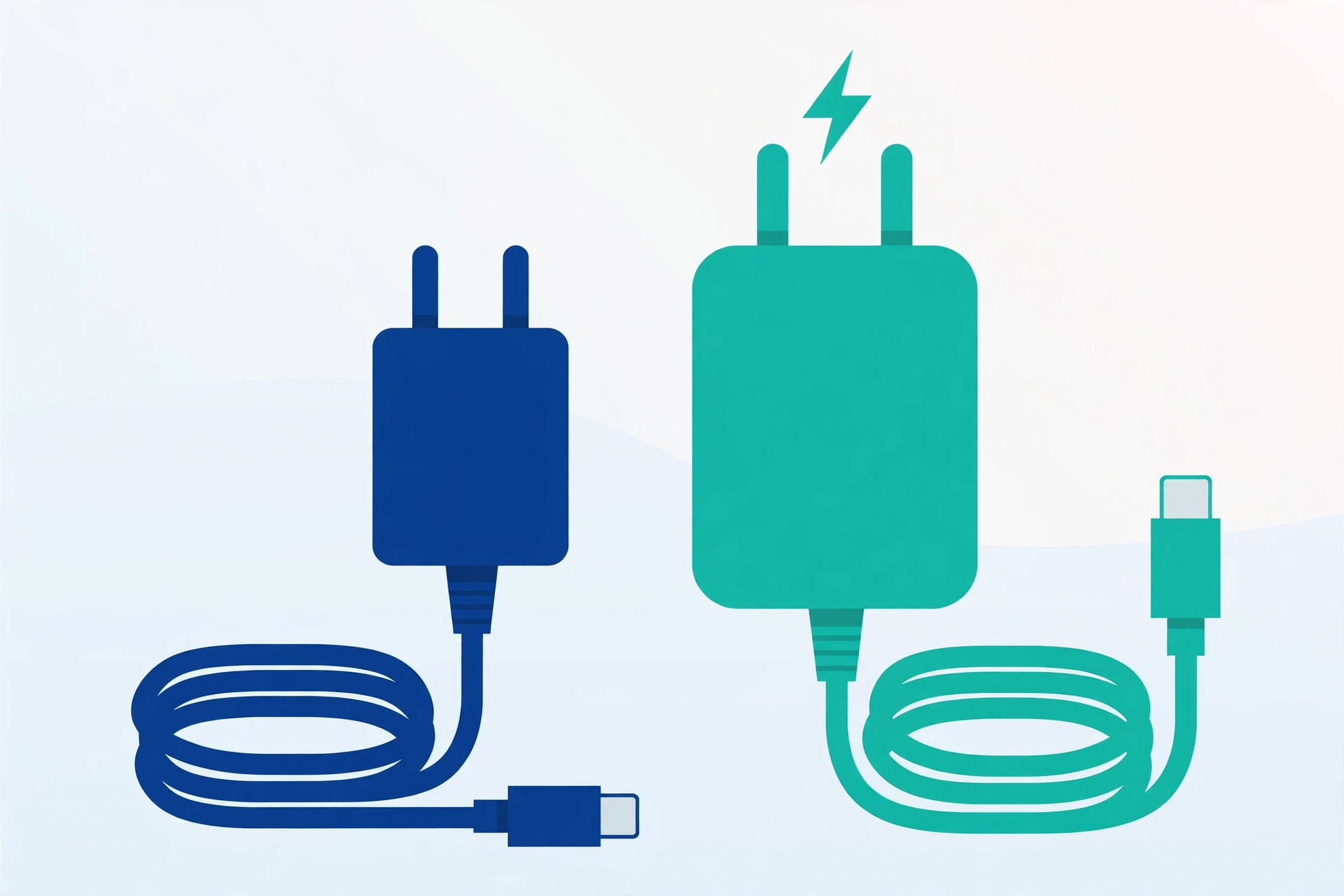
Not all chargers give the same power. The small charger that came with an old phone might deliver only a trickle to a modern phone with a big battery. Check the tiny writing on the charger: a basic one may say 5W, while a proper fast charger says 18W, 25W, or more. If you are using a weak charger, borrow a stronger one from a family member and test. If charging suddenly speeds up, buying a good charger from a known brand is the fix.
2. A damaged or poor quality cable
The cable is the part that wears out first. It gets bent, stepped on, and rolled up every day, and the thin wires inside slowly break. Very cheap cables from unknown brands can also be slow from day one. If your cable is frayed, loose in the port, or only works when you hold it at an angle, replace it. A new cable is the cheapest fix on this whole list, and it solves slow charging surprisingly often.
3. A dirty charging port
Your phone lives in pockets and bags, and its charging port quietly collects fluff, dust, and crumbs. That dirt stops the cable from sitting fully inside, so the connection is weak. Shine a light into the port and look. If you see packed lint, turn the phone off and gently lift the dirt out with a wooden toothpick or a SIM ejector tool wrapped carefully. Be gentle, never use anything sharp or wet, and never blow with your mouth, because moisture makes things worse.
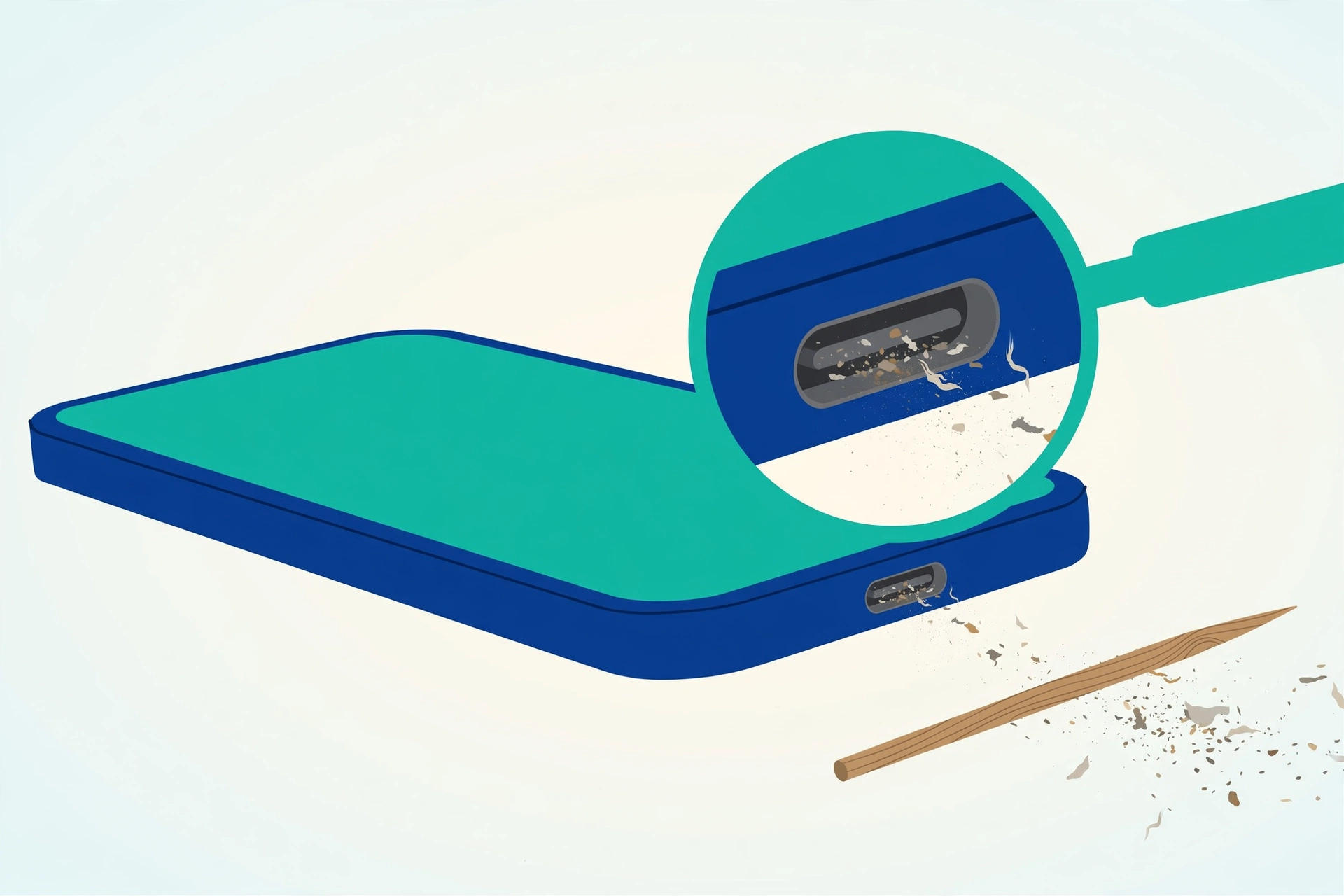
4. Charging from a laptop or car USB socket
Laptop USB ports and most car USB sockets were made for keyboards and memory sticks, not for charging modern phones. They usually give very little power, so your phone may charge painfully slowly, or even lose charge while you use it. They are fine for an emergency top-up, but for real charging, use a proper wall charger. In a car, use a good quality car charger that plugs into the round power socket instead.
5. Using your phone while it charges
If you watch videos, play games, or video call while charging, your phone is spending power almost as fast as it arrives. The battery fills slowly because the charger is feeding both the battery and your activity at the same time. For the fastest charge, leave the phone alone, or at least close heavy apps. Turning on airplane mode while charging also helps, because the phone stops hunting for signals.
6. Heat slowing everything down
Phones protect themselves from heat. If your phone gets hot, from the sun, a warm room, a thick case, or heavy use, it deliberately charges more slowly to protect the battery. Move the phone to a cool, shaded place, take off the case while charging, and never charge it under a pillow or on a sunny windowsill. Heat is also terrible for long-term battery health, as explained in our guide on how to make your phone battery last longer.
7. Too many apps running in the background
Dozens of apps quietly waking up, syncing, and using the processor will drain power and compete with charging. Restarting your phone clears out stuck apps and often improves charging speed right away. You can also remove apps you never use, and follow the simple tricks in our guide to speeding up a slow Android phone, because a phone that runs lighter also charges better. If one app behaves strangely or keeps restarting, learning how to clear the cache on Android can calm it down without deleting your data.
8. An old, worn-out battery
Batteries slowly wear out with every charge. After two or three years of daily use, a battery holds less power and may charge oddly, creeping up slowly and then jumping, or dropping fast after you unplug. If your phone is older and every other fix on this list changed nothing, the battery itself is likely tired. A battery replacement at a good repair shop costs far less than a new phone and can make an old phone feel young again.
Cable, charger, or battery: which one should you replace?
Use this simple order, cheapest first. Start with the cable, because it fails most often and costs the least. Test with a different cable you trust. Next, test a different charger, ideally the one that came with the phone or one with enough watts. If a borrowed cable and charger make your phone charge fast again, your own gear was the problem, and you only need to replace the guilty part. If your phone still charges slowly with known good gear, and it also drains quickly during the day, the battery is the likely culprit, and a repair shop can confirm it, sometimes with a free health check.
Fast charging, explained simply
Fast charging is just a charger and phone agreeing to push more power safely. For it to work, three things must support it: the phone, the charger, and the cable. If any one of the three is basic, the whole chain falls back to slow charging. Different brands use different fast charging systems, so a charger made for one brand may only charge another brand slowly. You do not need the most expensive option. You just need a charger and cable that match what your phone supports, which is written in the phone’s box details or on the maker’s website.
Frequently Asked Questions
Is it bad for the battery to use fast charging every day?
For most people, no. Modern phones manage the speed carefully and slow down on their own when the battery gets warm or nearly full. Fast charging creates a little more heat than slow charging, but using the charger and cable made for your phone is perfectly safe for everyday use.
Why does my phone charge fast at first, then slow down near the end?
That is normal and done on purpose. Phones charge quickly when the battery is low, then slow down as it passes about 80 percent, to protect the battery from stress. The last 20 percent almost always takes the longest, on every phone.
Can I use another brand’s charger with my phone?
Yes, as long as it is a decent quality charger with the right kind of plug for your port. It will charge your phone safely. Just know that you might not get that brand’s fastest speed, because fast charging systems differ between brands.
My phone says “charging slowly” even with the original charger. What should I check first?
Check the cable first, then look inside the charging port for packed lint, the two most common causes. If both are fine, restart the phone and test again. If it is still slow and the phone is a few years old, ask a repair shop to check the battery health.