Curious about ChatGPT but not sure where to start? Learning how to use ChatGPT effectively is easier than you think. ChatGPT is an artificial intelligence chatbot that can answer questions, write text, explain ideas, and help with all kinds of everyday tasks. Millions of people use it every day, but many beginners only scratch the surface of what it can do. If you tried it once and got a vague or unhelpful answer, do not give up. The secret is not the tool itself, it is learning how to ask well. This beginner’s guide will show you how, step by step, with real examples you can copy and adapt.

What Is ChatGPT?
ChatGPT is a computer program trained on huge amounts of text from books, websites, and other sources. When you type a question or request, which is called a prompt, it generates an answer based on patterns it learned during training. Think of it as a very knowledgeable assistant that can write, explain, brainstorm, and summarize. It does not truly understand things the way a human does, and it can make mistakes, but it is an incredibly useful tool when you know how to guide it. You can use it for free through a web browser or a phone app after creating an account, and if you ever get stuck, the OpenAI Help Center has simple guides for new users.
How to Get Started
Getting started takes only a couple of minutes:
- Visit the ChatGPT website or install the official app on your phone.
- Create a free account with your email address.
- When the chat box appears, type a simple question and press enter.
- Read the answer, then ask a follow-up question to continue the conversation.
For your first try, ask something small and safe, like “Explain what photosynthesis is in simple words” or “Give me three ideas for a healthy breakfast.” You will get an answer in seconds. The real skill, and the focus of this guide, is learning to write prompts that get you great answers instead of average ones.
The Golden Rules of a Good Prompt
The quality of ChatGPT’s answer depends almost entirely on the quality of your prompt. A vague prompt gets a vague answer. Keep these three rules in mind every time you write a prompt.
Be specific. Say exactly what you want, who it is for, and how long or detailed it should be. Details like “give me a list” or “explain in five short points” make a big difference.
Give context. Tell ChatGPT a little about your situation. The more it knows about your goal, your audience, and your limits, the less generic the answer will be.
Ask follow-up questions. You do not need a perfect answer on the first try. Treat it like a conversation. Say “make it shorter,” “explain it more simply,” or “give me another example,” and the answer will quickly improve.
Before and After: Real Prompt Examples
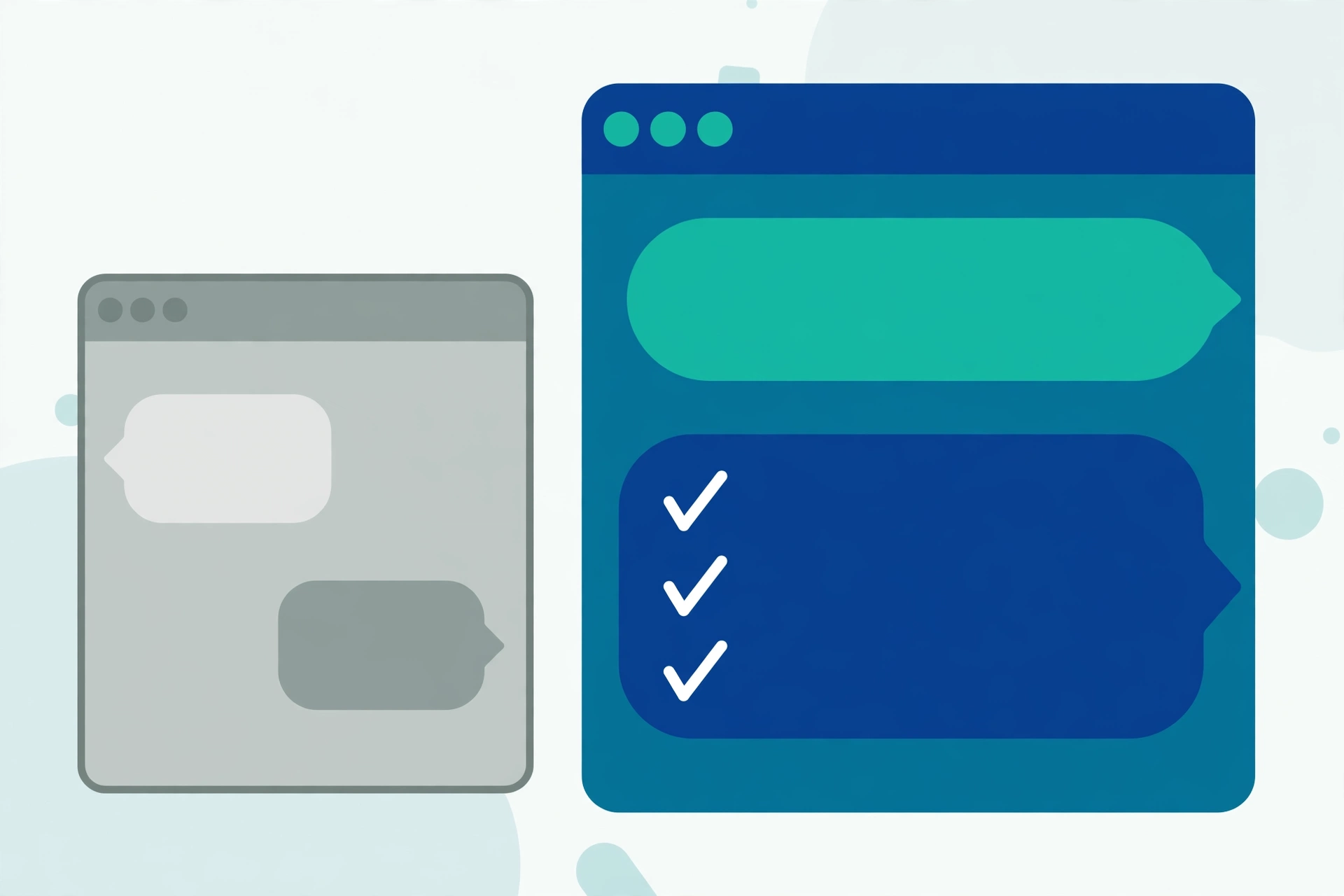
The fastest way to learn prompting is to see weak prompts turned into strong ones. Here are three everyday examples. All of them are made up for this guide, but they show exactly how the answers change.
Example 1: Writing an Email
Weak prompt: “Write an email to my boss.”
This gives ChatGPT almost nothing to work with. It does not know what the email is about, so the answer will be a stiff, generic template that you still have to rewrite.
Better prompt: “Write a short, polite email to my manager asking for two days off next week, on Thursday and Friday, for a family event. I work in a small marketing team. Keep it professional but friendly, about five lines long.”
Sample answer: “Subject: Leave Request for Thursday and Friday. Dear Sir, I would like to request two days of leave next week, on Thursday and Friday, to attend a family event. My current tasks are on schedule, and I will hand over anything urgent to my team before I leave. Please let me know if this works. Thank you for your understanding.”
Notice how the better prompt produced something you could almost send as it is. Your only job left is to check the details and add your name.
Example 2: Learning Something New
Weak prompt: “Tell me about saving money.”
Better prompt: “I am a student and I get a small monthly allowance. Explain five simple ways I can start saving money, in easy English, and give one small example for each way.”
Sample answer (shortened): “1. Track your spending for one week. Example: write down every snack and bus fare, and you will quickly see where small amounts disappear. 2. Save first, not last. Example: when your allowance arrives, move a small fixed amount into a separate wallet or account before you spend anything…”
Because the prompt explained the person’s situation, the answer came back personal and practical instead of sounding like a textbook.
Example 3: Getting a Recipe
Weak prompt: “Give me a dinner recipe.”
Better prompt: “Suggest a simple vegetarian dinner for two people that I can cook in under 30 minutes. I only have rice, eggs, potatoes, onions, and tomatoes at home. Give me clear steps, one by one.”
The second version works because it states the limits: the people, the time, and the ingredients already at home. ChatGPT can now give one recipe that actually fits your kitchen instead of ten that do not.
Practical Things You Can Do With ChatGPT
ChatGPT is useful for far more than answering trivia questions. People use it to draft emails and letters, brainstorm gift ideas or business names, plan a weekly meal schedule, and practice a new language through simple conversations. It can summarize a long article into a few lines, help you prepare study notes, suggest social media captions, or build a rough travel plan for a trip. If you enjoy tools like this, you may also like our roundup of free AI tools that make everyday tasks easier, most of which need no payment at all. Whatever the task, treat ChatGPT as a starting point: it gives you a draft or a set of ideas, and you review and improve them yourself.
Common Mistakes Beginners Make
Almost every beginner makes the same handful of mistakes. Knowing them in advance will save you time and frustration.
- Trusting every answer. ChatGPT sometimes invents facts, dates, names, or statistics and states them with total confidence. This is often called hallucination. Always double-check anything important, especially health, legal, money, or news topics.
- Giving up after one bad answer. A poor answer usually means a poor prompt, not a useless tool. Add detail, add context, or simply ask again in different words.
- Asking one giant question. If you ask for everything at once, you get a shallow answer. Break big tasks into small steps: outline first, then one section at a time.
- Forgetting to say the format. If you want a list, a table, or a short paragraph, say so. If you do not, you may get a long wall of text.
- Copying without reading. Never submit or send ChatGPT text you have not read carefully. It can include errors or phrases that do not sound like you.
- Expecting it to know today. ChatGPT may not know very recent news or events, and it cannot browse your personal accounts or files. If something is time-sensitive, verify it somewhere current.
A Quick Word About Privacy
Please be careful about what you type into ChatGPT. Never enter passwords, bank or card details, PIN codes, your home address, or private information about other people. Treat the chat like a public space: your conversations may be stored and reviewed to improve the service, so only share what you would be comfortable saying out loud in a cafe. This is just one part of staying safe online, and our guide to basic online safety tips everyone should know covers the other habits that protect you. Also remember that scammers now use AI to write very convincing fake messages, so a well-written message is no proof that it is genuine. Finally, be just as careful with files: only open attachments and downloads you trust, as explained in our guide on how to download files safely without getting a virus.
Final Tips to Get Better Results Every Day
Build a small habit of improving your prompts as you go. Start simple, read the answer, then refine it with one follow-up at a time. Save the prompts that worked well for you in a notes app so you can reuse them for similar tasks. And remember that practice works fast here: after a week of daily use, writing clear prompts will start to feel natural, and the quality of your answers will rise with it.
Frequently Asked Questions
Is ChatGPT free to use?
Yes, there is a free version that covers most everyday needs like writing help, explanations, and brainstorming. A paid plan exists for heavier use and newer features, but beginners can learn everything in this guide on the free version.
Can I trust the answers ChatGPT gives me?
Trust them as a helpful first draft, not as final truth. ChatGPT can make mistakes and sometimes invents details, so always verify important facts, numbers, and advice with a reliable source before acting on them.
What should I do if ChatGPT gives a bad answer?
Do not start over from zero. Tell it what was wrong, for example “too long,” “too formal,” or “I need simpler words,” and ask it to try again. One or two follow-up messages fix most weak answers.
Is it safe to share personal information with ChatGPT?
No. Never type passwords, bank details, ID numbers, or private addresses into the chat. Treat anything you write as something that could be stored, and keep personal and financial information out of your prompts completely.
Pingback: 5 Free AI Tools That Make Everyday Tasks Easier - TechTips by Hanzla
Pingback: ChatGPT vs Google Gemini: Which One Is Better for Beginners? - TechTips by Hanzla